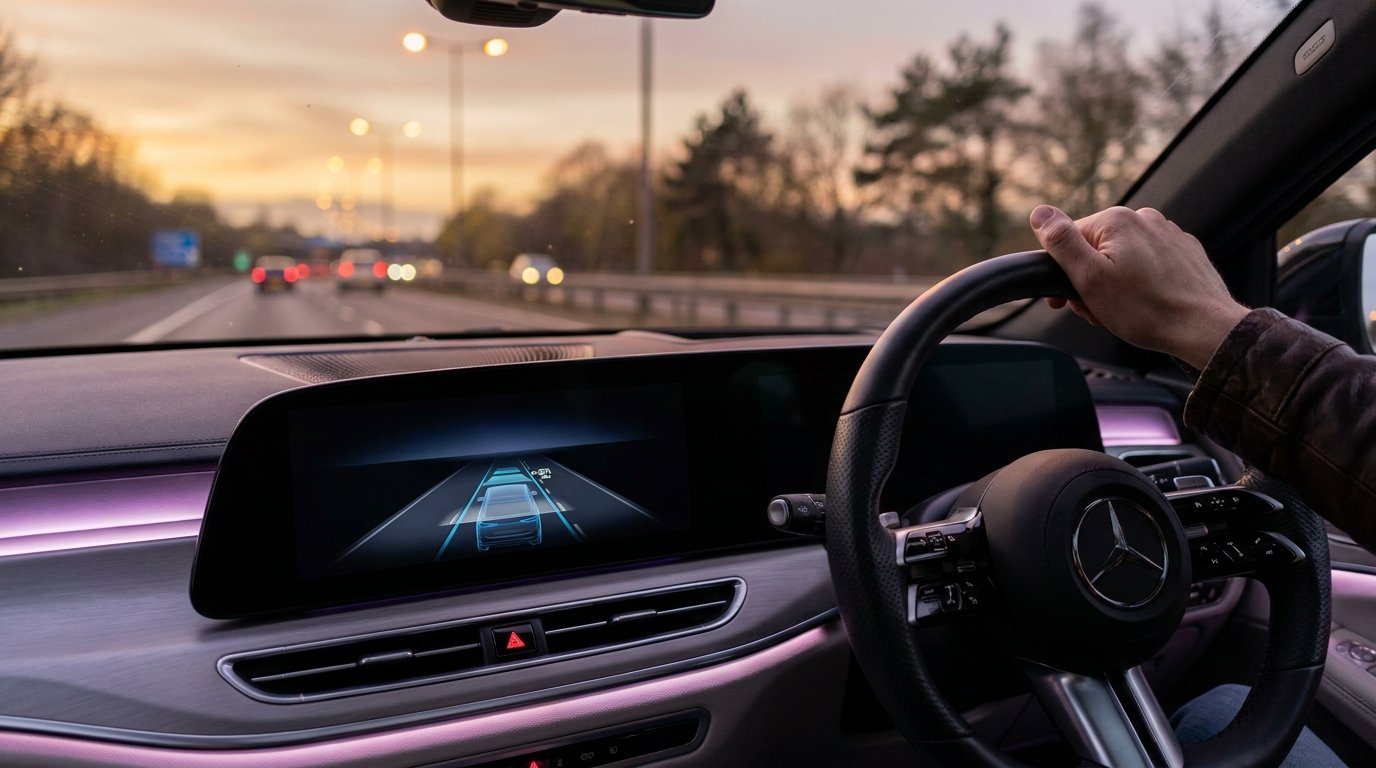
My cousin bought a new car last month. Called me the same evening, excited, walked me through the full feature list — adaptive cruise, blind spot monitoring, wireless CarPlay, 360-degree cameras, the works. Then he called again three days later, confused, because the car had beeped at him aggressively on the motorway and he had absolutely no idea why.
Turned out his lane departure warning had activated because he’d drifted slightly while reaching for his coffee. The car was doing exactly what it was supposed to do. He just didn’t know that feature existed.
That’s the thing about modern cars in 2026. They’re genuinely packed with useful technology. But a lot of people are driving around with features they’ve never configured, warnings they don’t understand, and tools they’ve written off as gimmicks because nobody properly explained them once.
I’ve been testing cars and writing about automotive tech for a few years. I’ve used most of these features in real conditions, made some of the same mistakes, and figured out which ones actually change how you drive versus which ones you click around in the dealership and never touch again. Here’s the honest breakdown.
1. Adaptive Cruise Control
I resisted this for longer than I should have. Cruise control always felt like a crutch to me, and the idea of the car controlling its own following distance felt overly complicated.
Then I used it on a five-hour motorway drive. I set the speed, set the gap, and for most of the journey the car handled both without me doing anything. It slowed when traffic ahead slowed, maintained the gap automatically, accelerated back to the set speed when the road cleared.
After about twenty minutes of that I realised I wasn’t gripping the wheel as tightly. My shoulders had dropped. I was just… less tense than I normally am on a long drive.
Adaptive cruise uses radar — sometimes camera plus radar — to track the vehicle in front. The 2026 versions can handle full stop-and-go in traffic, bringing the car to a complete stop and pulling away again without you pressing anything.
Setup tip: The gap setting default is usually longer than you’d naturally drive. Spend five minutes adjusting it. A shorter gap stops you getting cut off in traffic. A longer one is safer at motorway speed. Get that wrong and the feature works against you.
2. Automatic Emergency Braking (AEB)
This one’s different from adaptive cruise because you’re not supposed to be aware of it until something goes wrong. AEB monitors the road ahead constantly. When it calculates that a collision is imminent and you haven’t reacted, it applies the brakes itself. In some implementations it also tightens the seatbelts pre-emptively.
The early versions were conservative to avoid false alarms — which meant they sometimes reacted too late for lower-speed collisions. The 2026 systems are faster. They cross-reference camera, radar, and in some cases LiDAR, and they make that decision in milliseconds.
I watched one activate in a multi-storey car park when a child ran out from behind a parked van. The driver hadn’t seen them at all. The car had already started braking before the driver had time to process what was happening. Nothing hit anything. It was genuinely unsettling how fast it all happened.
Know the limits: AEB works best on clear, dry roads in good light. Heavy rain, fog, debris on sensors, or badly fitted number plates covering the radar can all degrade performance. Keep your front grille clean — if your radar sits behind a badge, make sure nothing’s blocking it.
3. Over-the-Air (OTA) Software Updates
This doesn’t sound like a driving feature. It doesn’t affect how the car handles or how comfortable the seats are. But it’s the thing that separates a modern car from everything built before, say, 2020.
Traditional cars were frozen in time the moment they left the factory. Now the car connects to your home Wi-Fi overnight, downloads what it needs, installs it, and you wake up to something slightly different than what you went to sleep with.
Tesla has been doing this since 2012. By 2026, Rivian, BMW, Mercedes, and Hyundai all have working OTA systems. Porsche once pushed an update that measurably improved the Taycan’s fast-charging speed months after customers had taken delivery — a performance improvement, delivered remotely, for free, with no service appointment.
Before you buy: Not every manufacturer does this well. Some push updates that break things that were working fine, and there’s no rollback option. Spend ten minutes searching “[model] OTA update history” in the owner forums before you commit. It tells you more about the manufacturer’s software culture than any brochure does.
4. Blind Spot Monitoring
There’s a small orange light in the side mirror. When something’s alongside you in the adjacent lane, it illuminates. If you try to indicate while it’s lit, it pulses brighter and adds an audible alert. That’s the whole feature. It’s not complicated.
The first few weeks you own a car with it, you barely notice it. Then one afternoon it catches something — a lorry you hadn’t fully clocked sitting in your blind spot on a dual carriageway — and you realise how often you’d been making that lane change on incomplete information.
The 2026 implementations have extended detection range to cover cars approaching at speed from further back. Some add rear cross-traffic alert for reversing out of parking spaces too.
Real talk: I’ve heard people dismiss this because “you should just check your mirrors properly.” Those people haven’t driven enough hours on enough motorways to know how often a proper mirror check still misses something.
5. Wireless CarPlay & Android Auto
Your phone connects to the car’s screen without a cable. Maps, music, messages, and calls — all accessible through the interface you already know. No pairing ritual every time. No cable hunting. You get in, it connects, done.
What makes it genuinely important is how much better it is than most manufacturers’ native systems. Google Maps and Waze have better real-time traffic data than almost any built-in navigation. Spotify on your phone’s layout is cleaner than most car implementations. Voice recognition through Siri or Google Assistant still outperforms most bespoke automotive voice systems in 2026, though that gap is closing.
Heat issue worth knowing: Wireless CarPlay generates heat. Phone on the wireless charging pad, running CarPlay and charging simultaneously on a warm day — some phones get warm enough to throttle processing and drop the connection. If CarPlay keeps disconnecting, check for overheating first. Move it off the pad, let it cool slightly, reconnect.
6. 360-Degree Camera System
Three or four cameras — front, rear, and two on the wing mirrors — stitched together to create an overhead view of the car and its surroundings. The 2026 implementations are sharper and nearly real-time, with an AI detection layer that outlines nearby objects and tracks distance with colour-coded proximity warnings.
The practical value is hard to overstate if you regularly park in tight urban spaces. Once you’ve used a decent 360 system, going back to mirrors-only feels wilfully difficult. It’s also genuinely useful at low speed on gravel approaches or anywhere the edges of the car are hard to judge.
Calibration tip: The overhead view compresses distances slightly — objects look further away than they are. Until your eyes are calibrated to the specific system, treat the proximity alerts as your reference, not the visual distance. The alerts are accurate; the visual perspective is approximate.
7. Driver Drowsiness Detection
There’s a camera watching your face while you drive. It tracks blink rate, head position, and whether your gaze is drifting. When the pattern suggests fatigue, it suggests a break. I know how that sounds.
The 2026 implementations are far less intrusive than you’d expect. A good system doesn’t alarm at a single long blink — it builds a pattern over time and intervenes only when that pattern consistently indicates fatigue.
Tested this in a 2026 Hyundai. Normal tiredness, nothing. Deliberately simulated drowsy behaviour — repeated glances away, slow inputs — and after a couple of minutes it brought up a coffee cup icon and a suggested rest stop. No alarm. No scolding. Just a suggestion.
Why it matters more than it seems: Drowsy driving causes more motorway accidents than most people realise, and the danger is that you often can’t accurately assess your own fatigue level while it’s happening. An external system calibrated to catch the pattern early is more useful than it gets credit for.
8. Smart Parking Assist
The car parks itself. You control the accelerator and brake — or in newer systems, nothing at all. On a straightforward parallel park into a good-sized space on a quiet road, it’s smooth and impressive.
This one I’ll be honest about: it’s not universally useful. In a cramped multi-storey with awkward angles and other cars moving around you, the system is slower and more cautious than a confident human driver. Some people find it more stressful to watch than to just do themselves.
Where it genuinely earns its place is for drivers who find parking stressful, or who drive large vehicles with limited rearward visibility. A seven-seat SUV on a city street — that’s where the cameras and sensors remove a real source of anxiety.
The remote parking feature: Higher-spec models let you move the car in and out of a space from outside using an app or key fob. Sounds gimmicky until you’re in a space so tight you’d otherwise have to squeeze out a half-open door. Not a daily feature, but when you need it you really need it.
9. Wireless Phone Charging
A pad in the centre console. Drop your phone on it and it charges. No cable. The early wireless pads in cars were genuinely bad — slow, generated excessive heat, inconsistent positioning so the phone wasn’t actually charging half the time. The 2026 implementations at 15W are meaningfully better — fast enough to maintain charge while running navigation and Bluetooth simultaneously.
Two things to check before you buy: First: case compatibility. Thicker cases sit too far from the charging coil to charge properly. It’s a minor thing worth knowing before you spend two weeks wondering why your phone keeps dying. Second: pad placement. A pad right next to your hand is useful; one buried in a deep cubby that requires you to look away from the road is a distraction. Test the placement during your test drive — not in the spec sheet.
10. Predictive Navigation
Navigation has been in cars for twenty years. What’s different now is the intelligence layered on top of it. A modern predictive system factors in your battery level, the charging stops you’ll need, real-time traffic from millions of vehicles, historical congestion patterns for the exact time of day you’re travelling, and your own driving history to build a more accurate range estimate.
Rivian’s navigation is the implementation I’ve spent the most time with — it’s the most consistently accurate at telling you whether you’ll make it to a destination with comfortable margin or whether you should stop. The Google built-in system in Chevrolet and Volvo handles conversational routing better than most: you can say “find me a coffee shop near my charging stop” and it reasons across both requirements simultaneously.
Rural limitation: All of this is only as good as the data feeding it. Rural areas with limited telemetry data get less accurate predictions. These systems work best in well-mapped urban and motorway corridors. On unfamiliar back roads, trust your instincts and don’t fully outsource the planning.
The Mistakes That Cost People the Most
1. Not reading the ADAS section of the manual
I know the manual is three hundred pages and written in a way that makes legal documents look thrilling. But the driver assistance section is usually twenty to thirty pages and contains genuinely important information — what conditions each system is designed for, what it can’t do, and what the different warning sounds mean. The hour you spend on that in the first week saves you from a lot of the confusion my cousin experienced.
2. Over-trusting Level 2 driver assistance
These systems are very good. They are not autonomous. The car is not watching the road so you don’t have to — it is assisting you while you watch the road. That distinction gets blurred in the marketing and it matters every single time you use the feature. Real accidents have happened because drivers treated Level 2 like a chauffeur and stopped paying attention.
3. Ignoring OTA update notes
Updates arrive overnight, something feels different in the morning, and instead of reading the two-page notes in the manufacturer’s app, most people spend a week wondering if something’s broken. The notes take three minutes. Read them. They’re usually in the manufacturer’s app, not the car itself.
4. Skipping the first-week feature setup
Driver profile, preferred gap distance for adaptive cruise, lane departure sensitivity, privacy settings for connected data — these take about an hour total to get right once. They’re the difference between a feature that annoys you every journey and one that quietly makes your driving life easier. Most people skip this entirely and then complain the car’s “smart features” are useless.
The Honest Short Version
Not all ten of these will matter equally to you. Here’s the quick read, by how you actually drive:
- Urban driving: 360 cameras + blind spot first
- Motorway commuter: adaptive cruise + drowsiness detection
- EV owner: predictive navigation + OTA update quality
- New car, any type: first-week setup before anything else
The common thread across all of them is that they require a small investment of time to understand properly. Not technical knowledge, not engineering background — just thirty minutes with the manual and another thirty configuring the settings to match how you actually drive.
Modern cars are legitimately more capable than anything that existed ten years ago. Most of that capability sits in menus and settings that the average driver never opens. That’s the gap worth closing.
Feature availability varies by manufacturer, model, trim level, and region. ADAS performance varies by road conditions, weather, and sensor cleanliness. Always read your vehicle’s owner’s manual for operating conditions and limitations before relying on any driver assistance feature.